marketing
Google Ads Manager
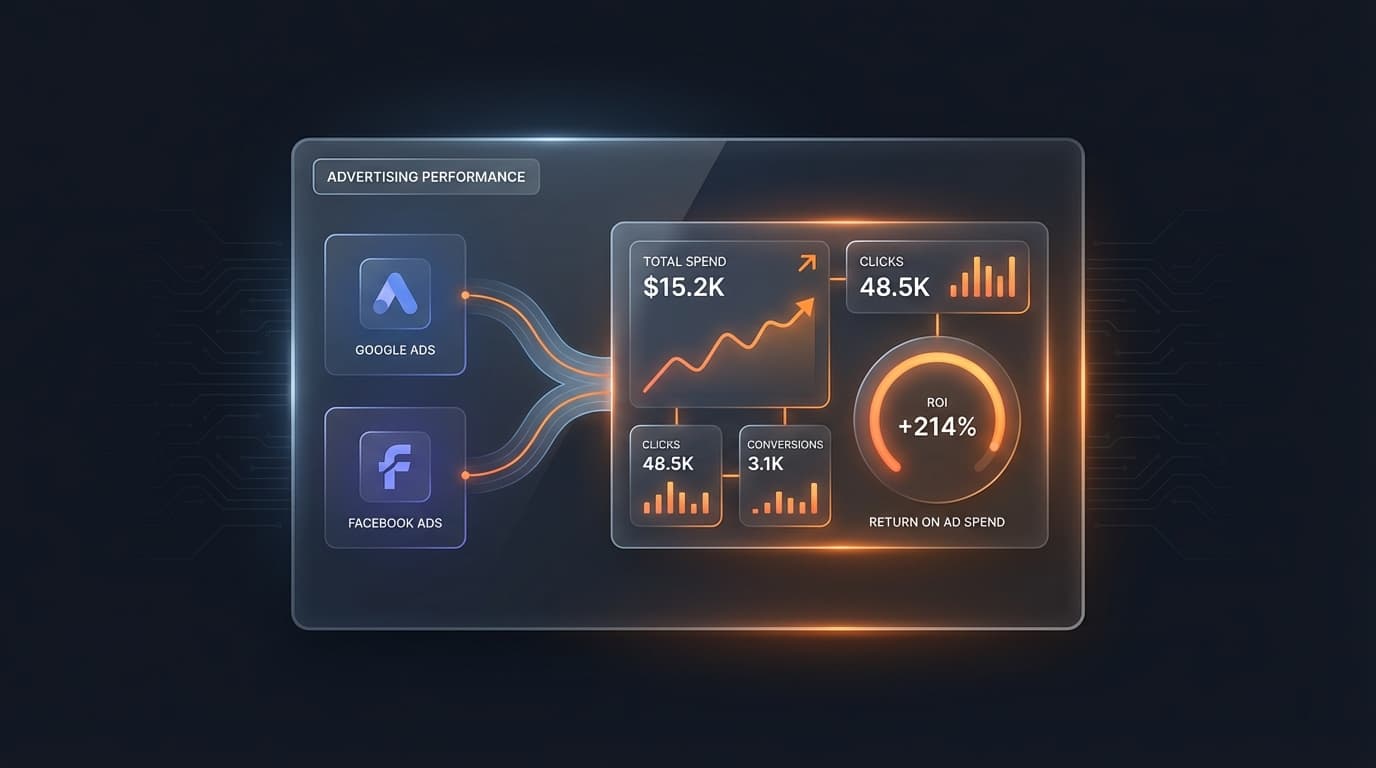
Connect your Google Ads account and see spend, clicks, conversions, and ROAS in one dashboard — no more logging into Google's clunky interface.
Most business owners spend thousands on Google Ads every month and check their results maybe once. Not because they don't care — because Google's interface is a nightmare. It was built for agencies with certifications, not entrepreneurs with 20 minutes between meetings.
So we built something different. A tool that pulls all your Google Ads data into one clean dashboard, layers in competitor intelligence so you can see what everyone else is doing, and has AI that tells you what's working, what's broken, and exactly what to do about it. No certifications required. No agency retainer. Just your numbers, explained in plain English.
See Everything in One Place
Connect your Google Ads account in one click. Every campaign, every ad group, every keyword — sorted by what's costing you the most. Drill into any campaign to see which ad groups are performing. Go deeper to see individual keywords with match types and per-keyword metrics. Filter by the last 7, 14, 30, or 90 days, or look at specific months.
If you manage multiple Google Ads accounts — or work through an MCC manager account — switch between them without logging out. Export PDF reports for client meetings, CSV for spreadsheet analysis, or PNG for quick screenshots. Every refresh pulls live data from Google, not yesterday's cache.
Know What Your Competitors Are Doing
See which competitors are advertising for your same keywords. What their ads actually say. Where they rank organically vs. paid. Whether they're showing up in the local pack alongside your listing. This isn't guesswork — it's live data from actual search results, pulled from multiple intelligence sources and updated regularly so you always know who you're up against and where the gaps are.
When a new competitor starts bidding on your keywords, you'll know. When their ad copy changes, you'll see it. When there's a keyword they're targeting that you're not — that's an opportunity, and you'll see that too.
Get Told What to Do About It
This is where it gets interesting. Instead of staring at a dashboard wondering what the numbers mean, AI analyzes your campaigns across multiple data sources — your Google Ads data, your organic search rankings, your website analytics, even your actual revenue — and tells you in plain English: what's working, what's wasting money, and exactly what to change.
Not "here's your data." Here's what to do about your data.
Ask it questions like "How many quote requests did we get from the Vegas campaign last month?" or "Which keywords are wasting money?" and get real answers with specific recommendations. Not a chatbot experience — actual analysis that understands your business.
The Roadmap: See It, Fix It, Automate It
We're building the Google Ads Manager into a full optimization platform in three stages:
Stage 1: See Everything (live now + expanding)
AI-powered weekly summaries of what changed and why. Smart alerts when spend spikes, conversions drop, or CPC jumps. Wasted spend detection that finds keywords eating your budget with zero conversions. Organic vs. paid overlap — stop paying for clicks on keywords you already rank #1 for.
Stage 2: Get Told What to Fix (coming soon)
AI reviews your account like a $5,000/month ads manager and tells you exactly what to change. One-click to apply the fix. Negative keyword suggestions based on your actual business — not generic lists. Budget reallocation recommendations based on what's actually converting. IC Conversion Tracker that shows you real leads and real phone calls — not Google's inflated "47 conversions" where half are page views.
Stage 3: Have It Done For You (on the roadmap)
Automated optimization with guardrails you control. AI creates new campaigns using everything it knows about your business, your customers, and your competitors. Ad copy refreshed automatically in your brand voice. The system gets smarter over time — learning what works for your business, your market, your customers.
The vision: you open your dashboard once a week, see exactly what happened, approve the AI's recommendations with one click, and move on. Your Google Ads basically manage themselves — with you in control.
Stop guessing whether your Google Ads are working. Stop paying an agency to tell you what a dashboard could show you in 30 seconds. Join the Implementation Club and connect your ad account today.

Jon Barrett